IPv6 details
About global 2003 IPv6 ICE candidates
During WebRTC setup, your browser may share a global IPv6 address (often beginning with 2003:) as an ICE candidate. We cannot control what kind of IP your browser is offering us.
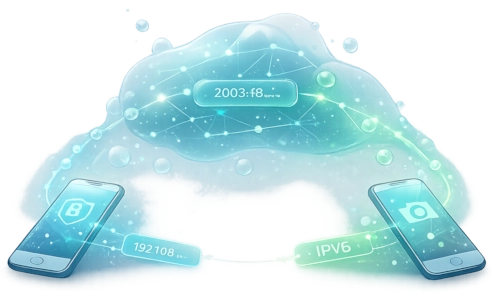
PeerLens uses that only to negotiate a direct connection between your phone and viewer. We do not keep that address as stored user data, check our data section.
What happens in PeerLens
1) The candidate is generated by your device
Your browser builds a list of possible network paths (ICE candidates). One of these can be your global IPv6 address.
2) PeerLens relays it during negotiation
The candidate is exchanged through the temporary signaling session so the two devices can find a working direct route.
3) It may exist briefly in our DB
Because signaling is asynchronous, that candidate can sit in the database for a short window (usually a few seconds) before it is consumed and cleaned up.
4) Media stays peer-to-peer
After negotiation, your video stream goes directly from phone to viewer.
The IP gets deleted from our servers.
What this IP could reveal in theory
This section explains theoretical capability only. PeerLens is not using the address for profiling, tracking, or analytics.
Approximate location
At most, an IP can sometimes suggest rough geography (often ISP region/city level), not a precise street address.
ISP / network attribution
The prefix can indicate which provider or organization owns that network block.
Short-term correlation risk
If the same address appears repeatedly, it could theoretically be used to correlate sessions within a limited time window.
Potential targeting surface
As with any internet-reachable IP, it could be treated as a target for scans in theory, though real reachability depends on router and firewall settings.
What PeerLens does not do
- We do not build user profiles from IP addresses.
- We do not sell or share this data for marketing.
- We do not persist ICE candidates as long-term analytics data.
- We do not record your video stream.
Practical mitigations (if you want extra privacy)
- Use trusted local networks for sessions.
- Avoid posting session links/QR codes publicly.
- Keep your router and firewall defaults enabled.
- Use temporary/private-address features on your devices when available.
If you want, we can also explain this behavior in a short tooltip on the session page so users see it before connecting.